How a nexomir4k subscription works
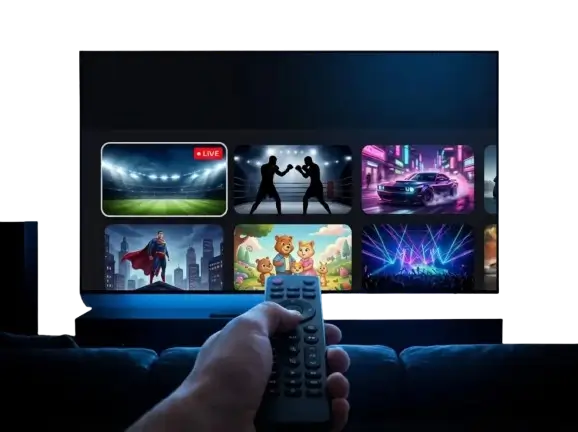
You pay once for a fixed period and receive login details—a username and password for Xtream Codes plus an M3U link. Enter these into a player like IPTV Smarters Pro to view live channels, the on-demand library, and the EPG on your Smart TV, streaming stick, or mobile device. No antenna, no satellite dish, no technician. If you are new to the technology, start with our simple guide to nexomir4k.
Included in every nexomir4k package
Regardless of the tier or duration, you receive:
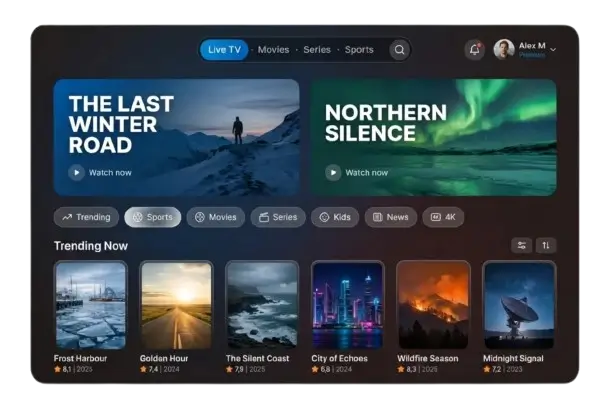
- Live TV: International channels covering sports, movies, news, and kids programming.
- On Demand: A massive library of films and complete series.
- EPG: Program guide with catch-up on supported channels.
- Support: Available every day via WhatsApp before and after your purchase.
- 7-day money-back guarantee: If the service doesn’t work for you.
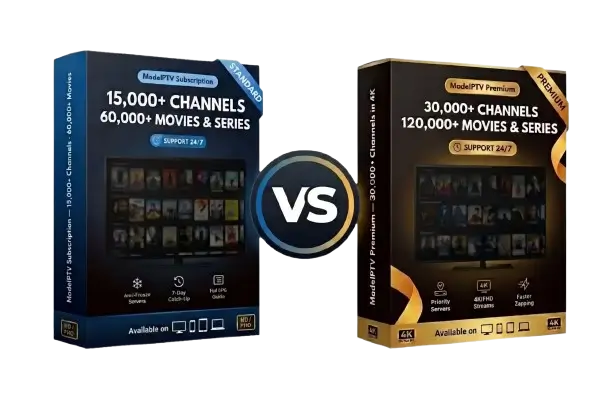
The only difference between the tiers is the image quality and library size: Premium adds 4K, prioritized servers, and roughly twice as much content via nexomir4k.
Buying nexomir4k in three steps
- Choose tier and duration (3 to 24 months) in the table above.
- Tap „Order Now“: WhatsApp will open with your order pre-filled—just press send.
- Get your login: Receive your details within minutes and follow the installation guide for your device.
Five mistakes to avoid before paying for nexomir4k or any other service
- Chasing the lowest price: A deal for a few dollars a year usually fails during big games.
- Buying without a test: A provider you can trust lets you try before you pay.
- Forgetting screen limits: One connection means one stream at a time.
- Ignoring broadband: 4K requires roughly 25–50 Mbps; check our guide on data traffic.
- Approving auto-renewal: A pre-paid package that simply ends is safer.
If you want to go deeper, our guides on choosing an IPTV provider and the best IPTV options, along with an honest look at what the law says about nexomir4k, are available.
Devices and apps for nexomir4k
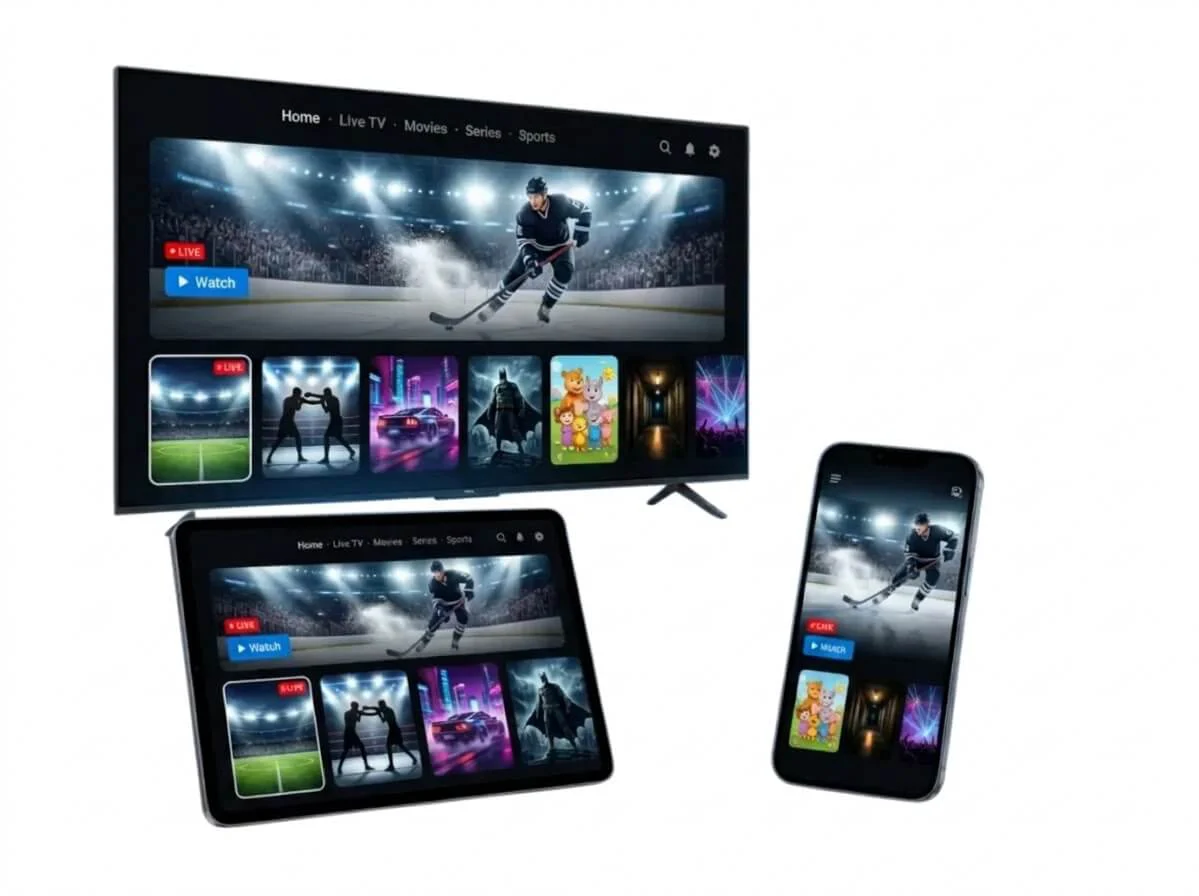
Your nexomir4k subscription works on all modern displays with the right player:
| Device | Recommended App | Our Guide |
|---|
| Fire TV Stick | IPTV Smarters Pro, TiviMate | Fire TV Stick |
|---|
| Samsung Smart TV | IBO Player Pro, Smart IPTV | Samsung |
|---|
| LG Smart TV | IBO Player Pro, Smart IPTV | LG |
|---|
| Android TV and Boxes | TiviMate, IPTV Smarters Pro | Android TV |
|---|
| Apple TV, iPhone, iPad | GSE Smart IPTV, Smarters Player Lite | Apple TV |
|---|
For a side-by-side comparison, check the best IPTV app; for an older TV, view the best IPTV box.